Auto-save automatically stores changes made in the Process Modeler in real time. As users modify the process model, the system saves those updates without requiring a manual save action.
The auto-save status is displayed in the Process Modeler’s top menu, allowing users to confirm whether changes are being saved, are already saved, or require attention.
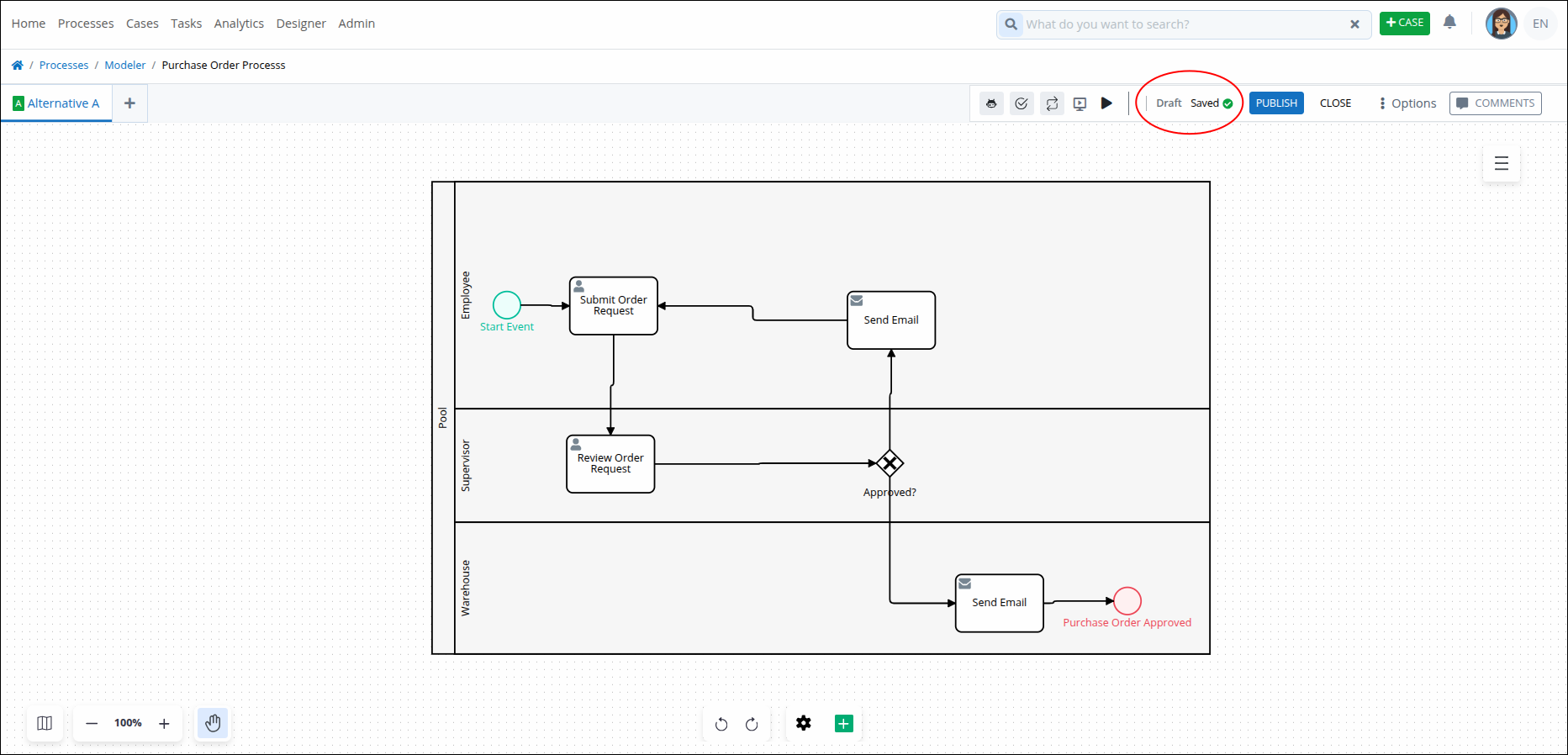
Process Alternatives Behavior
The auto-save feature stores configuration changes for process alternatives without modifying the BPMN diagram. This behavior helps preserve the current process design while keeping configuration data up to date.
Auto-save stores the configuration only. It does not change the BPMN diagram or the SVG associated with the process model.
The existing save logic continues to create drafts and/or modified published versions as it does currently.
Expected Behavior
When auto-save runs:
The configuration is stored automatically.
The BPMN diagram is not modified.
The SVG is not modified.
Drafts and modified published versions continue to be created according to the existing versioning behavior.
BPMN and SVG files are retrieved from the correct process version.
BPMN and SVG Retrieval Logic
The system must retrieve BPMN and SVG files from the appropriate version based on the available alternatives.
Use the following rules:
If Alternative A is published, retrieve the BPMN and SVG from the published Alternative A version.
If Alternative B is published, retrieve the BPMN and SVG from the published Alternative B version.
If both Alternative A and Alternative B are published, create two upgrades, one for each published version.
If Alternative A has a draft, upgrade both the draft and the published version of Alternative A.
If Alternative B has a draft, upgrade both the draft and the published version of Alternative B.